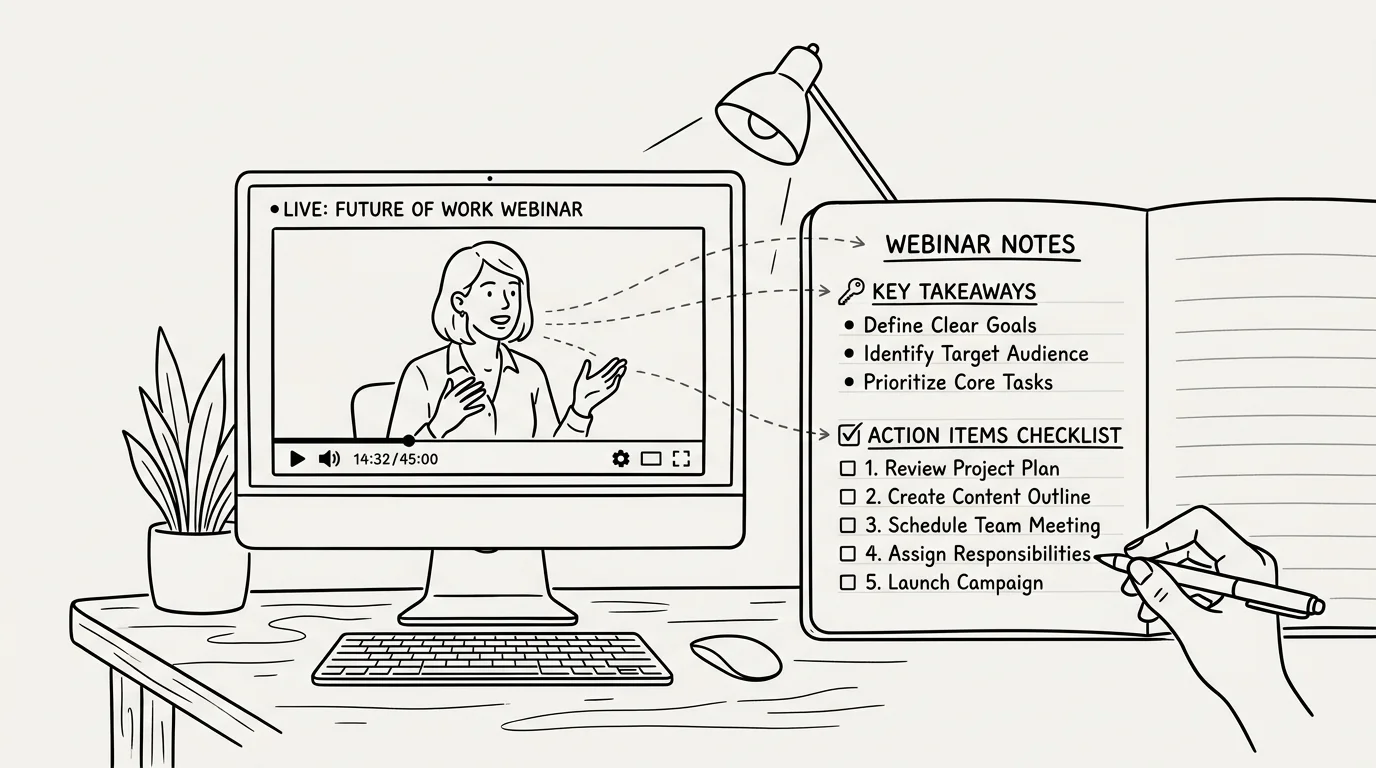
Webinars, virtual summits, and online workshops hosted on YouTube contain valuable insights, market research, and expert strategies. However, finding the time to watch a 90-minute recorded session from start to finish is rarely practical for busy professionals. Learning how to extract key takeaways and action items from a youtube webinar summary quickly can transform passive video watching into active, high-leverage learning.
Instead of drowning in fluff, introductions, and Q&A tangents, modern AI tools allow you to pinpoint actionable insights in seconds. In this article, we will break down a proven framework for extracting high-value takeaways and building execution-focused checklists from long video presentations.
The Anatomy of a Webinar: Filtering Fluff from Value
Most webinars follow a standard marketing or educational template. Typically, the first 10 to 15 minutes are dedicated to presenter introductions, house-keeping announcements, and technical checks. The middle section contains the core educational content, while the final 20 minutes are often reserved for product pitches and audience Q&A.
When reviewing a webinar transcript, your primary objective is to separate actionable advice from contextual background. High-value elements include concrete methodologies, recommended tools, specific metrics or benchmarks, and step-by-step frameworks that you can apply directly to your own projects.
Creating Action Items from Video Transcripts
A summary is only useful if it leads to action. To convert passive video information into practical task lists, use a structured three-tier extraction framework:
- Core Takeaways: High-level strategic concepts or mindset shifts presented by the speaker (1–3 main ideas).
- Actionable Steps: Specific tasks or tactics mentioned during the presentation that require execution.
- Resource List: Mentioned books, software tools, frameworks, or links shared during the presentation.
By organizing transcript information into these three distinct categories, you create an immediate action plan without sifting through pages of unorganized notes.
Best Practices for AI-Powered Webinar Summarization
Artificial intelligence makes processing long webinars remarkably fast, but getting high-quality outputs requires the right approach. When using AI to distill video content, keep these best practices in mind:
First, always process the full transcript rather than relying on automated video audio analysis alone. Transcripts provide precise text data for language models to parse. Second, specify your target output format upfront. Ask the AI to prioritize "action items" and "key decisions" rather than generating a generic essay-style recap. Finally, double-check any specific data points or numbers against the original video timestamps.
Transform lengthy webinars into actionable task lists instantly! The AI Summary Chrome Extension extracts YouTube transcripts and uses advanced AI to summarize 1-2 hour webinars into concise key takeaways, timestamped topic breakdowns, and clear action items—all right inside your browser window.
Streamlining Your Professional Learning Workflow
In today's fast-paced environment, the ability to rapidly process information is a major competitive advantage. By establishing a systematic workflow to extract key takeaways and action items from YouTube webinars, you save hours of viewing time while ensuring no critical insight is lost.
Whether you are keeping up with industry trends, learning new technical skills, or conducting competitor analysis, AI-assisted video summarization turns long video recordings into structured, actionable intelligence.
Previously: How to Convert YouTube Videos Directly to Clean Markdown for Notion & Obsidian ← · Next read: Best Custom Prompts for Summarizing YouTube Transcripts in ChatGPT & Claude →
Related: How to Summarize Long Video Interviews in Seconds