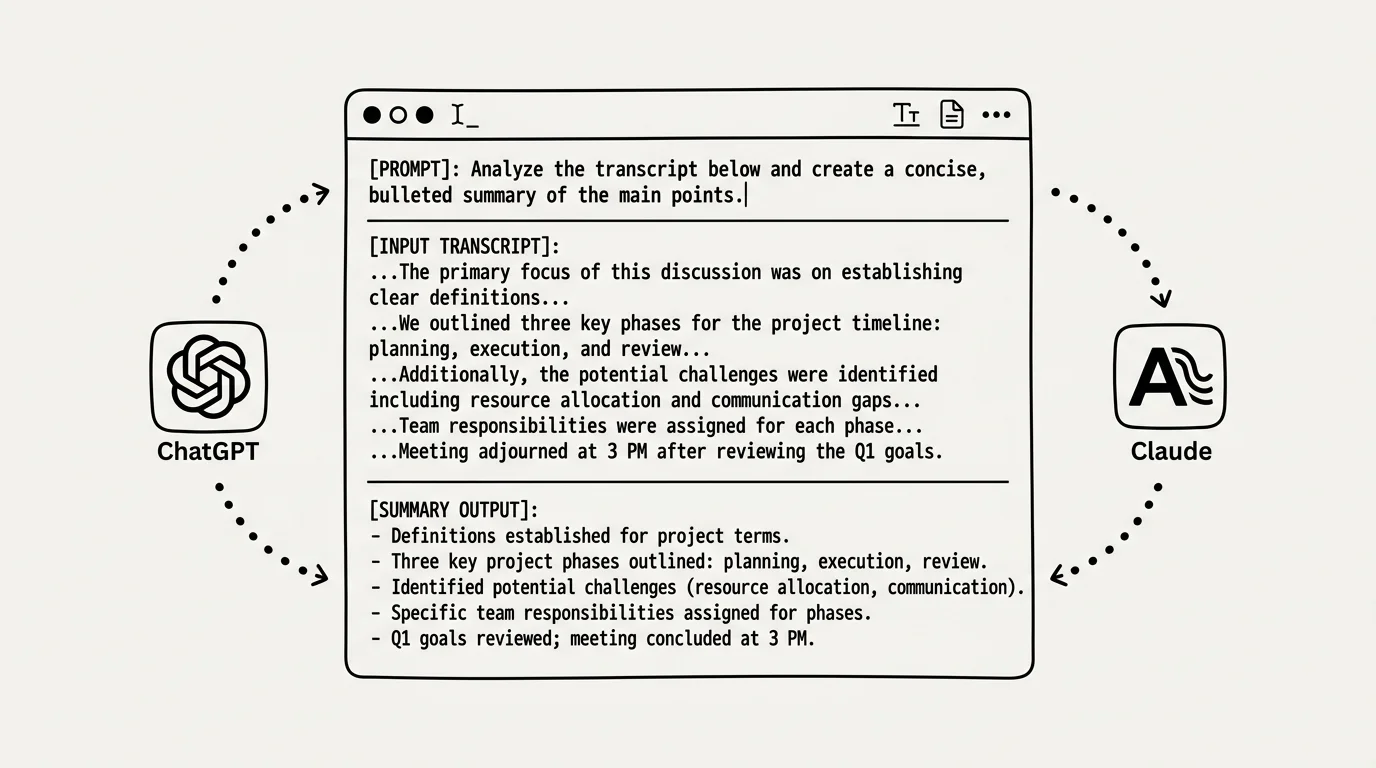
Large language models like ChatGPT, Claude, and Google Gemini have revolutionized how we digest information online. However, simply pasting a massive transcript into an AI chat window with a generic instruction like "summarize this" often yields vague, superficial results. To get precise, high-value insights, you need specialized youtube transcript prompts tailored to your specific learning goals.
Whether you need a quick 5-bullet executive briefing, a detailed study guide, or an action-oriented workflow checklist, crafting the right prompt makes all the difference. In this guide, we share battle-tested prompt templates designed specifically for video transcript summarization.
Prompt Template 1: The Executive Summary (5 Bullet Points)
When you are short on time and need to evaluate whether a 60-minute video is worth watching, use this executive prompt template:
"Act as an expert research assistant. Read the provided YouTube transcript and generate a concise executive summary. Include: 1) The main thesis of the video in one sentence, 2) 5 key takeaway bullet points, and 3) Who would benefit most from watching this content. Keep the total output under 250 words."
This prompt forces the AI to prioritize high-level conclusions and omit conversational filler, giving you a crystal-clear preview of the video's core value proposition.
Prompt Template 2: The Comprehensive Study Guide
For technical tutorials, lectures, or deep educational videos, you need structured notes rather than a short recap. Use this prompt to create a complete study guide:
- System Role: Define the AI as an expert educator in the video's subject domain.
- Structural Request: Ask for H2 section breakdowns corresponding to key topics discussed in the transcript.
- Definition & Concepts: Require the AI to define all key terminology and technical jargon introduced by the speaker.
- Code/Formula Blocks: Instruct the AI to format any code examples, math formulas, or data tables cleanly using Markdown blocks.
This study guide prompt turns raw transcript text into an organized, textbook-style reference document perfect for exam preparation or skill building.
Prompt Template 3: Actionable Task List & Workflow Extraction
If you are watching how-to guides, software walkthroughs, or business strategy videos, your goal is implementation. Use this prompt to extract actionable steps:
"Analyze the following transcript and extract a step-by-step implementation checklist. Format the output as a numbered list of concrete actions. For each action step, include a short explanation of 'Why' it is necessary based on the speaker's advice."
Why manually copy transcripts and write complex prompts every single time? The AI Summary Chrome Extension automates prompt engineering directly inside your browser. Generate bullet-point summaries, study guides, and custom chat queries for any YouTube video with a single click.
Optimizing AI Output Across ChatGPT, Claude, and Gemini
Different AI models excel at different aspects of transcript processing. Claude 3.5 Sonnet is exceptional for long-context understanding and nuanced writing, making it ideal for multi-hour lectures. ChatGPT (GPT-4o) shines at structured Markdown outputs and code formatting. Gemini 1.5 Pro excels at multimodal comprehension and handling massive transcript context windows up to 2 million tokens.
By pairing the right custom prompts with modern AI tools, you can turn any YouTube transcript into a powerful knowledge asset in seconds.
Previously: How to Extract Key Takeaways & Action Items from Long YouTube Webinars ← · Next read: YouTube for Students: Turn Any Lecture Into a Study Guide →
Related: ChatGPT YouTube Summary Hacks: How to Query Any Video